

About Notifications
About Notifications
You can view Notifications sorted under For Me and Created By Me tabs. Under the For Me tab, you can further sort your listing by All, Unread and Flagged. You can also filter your listing using the Viewing and Type dropdown list.
-
Viewing: All, General, Pinned Class Groups (if applicable), My Class Groups, Admin Roles (if applicable)
-
Type: All, Announcements (Class Group Announcement, System Announcement), Others (Resource Status, Transcoding, Others, Forum, Assignment, Resource, Module, Media, Reports)
-
You will receive Notifications when:
-
System, School and Class Group Announcements are created or updated.
-
Module resources are shared with you.
-
a Discussion Topic or Poll has been posted in the Class Group Forum.
-
status of a Module that has been sent to the Community Gallery is updated.
-
status of a Media Object that is in the process of transcoding is updated.
-
students’ marks and responses for an Assignment are ready to be downloaded.
-
-
You will be able to Flag/Unflag a Notification and select Notifications to Mark As Read.
-
Unread Notifications are indicated with a yellow circle on the Notification cards and on the Bell icon

found on the header of the homepage.
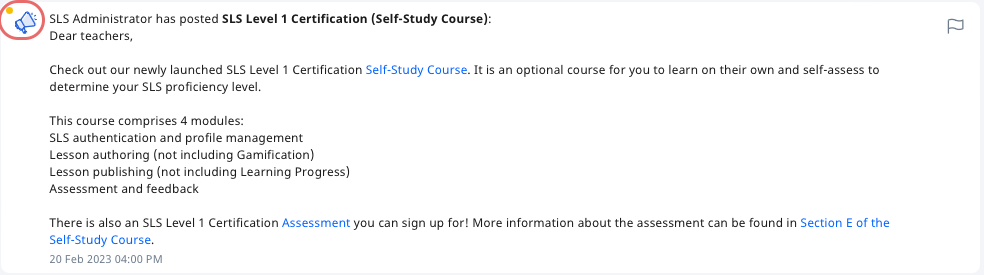
-
Should you wish to receive SLS Notifications through your email, you will have to enable email notifications.