

Manage Linked Account
Link Account
Users are able to associate their iCON 2.0 or Google accounts with SLS.
-
Open the right menu and click Edit Profile.
-
On the Profile page, click Manage Linked Account under Profile.
-
Click Sign in with Google.
-
In the window that pops up, enter the email and password of the account you wish to connect to the SLS account.
-
Select the checkboxes that allow "ufinity.com" to access Google Drive files. Select Continue.
-
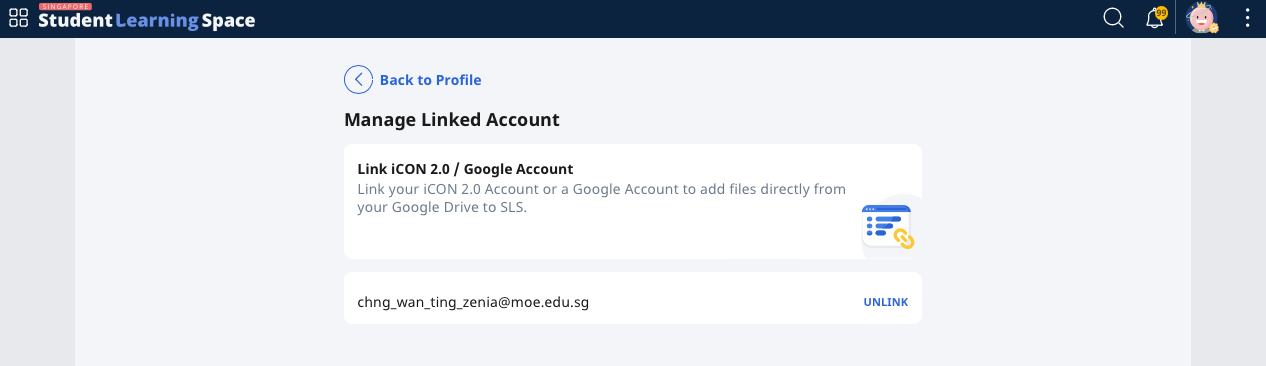
If you have successfully linked the iCON 2.0/Google Account to SLS, the linked email address will be shown.
-
To unlink your iCON 2.0/Google Account, click Unlink.